
What is Vector File?

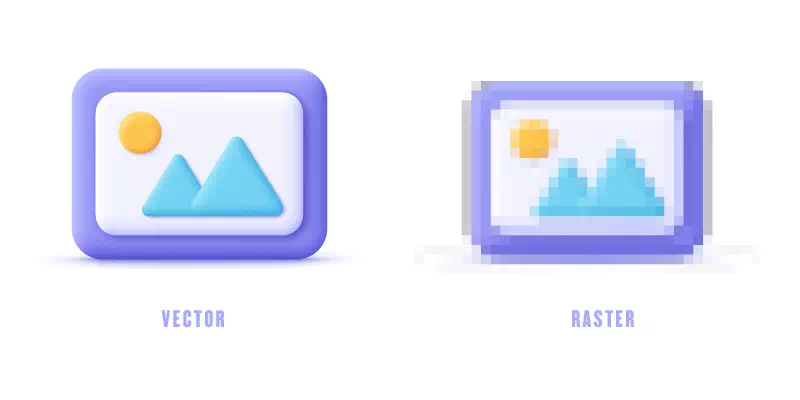
Short answer: a vector file stores artwork as paths (points, lines and curves) plus their colors, so it can be resized to any size without blurring. The everyday vector files are AI (Illustrator), EPS (print), SVG (web), vector PDF and CDR (CorelDRAW). CAD and 3D work uses DXF, DWG and STL. A JPG or PNG is never vector, even if it shows a logo.
On this page
A vector file is a type of digital graphic that uses mathematical equations to represent and store images, shapes, and lines. It is ideal for graphic design, illustrations, logos and other applications requiring versatile and high-quality artwork. The importance of vector files in graphic design and illustration lies in their scalability, resolution independence, and editability. They allow designers to create versatile artwork that can be resized without losing quality.
The purpose of the content is to provide a comprehensive understanding of what vector files are and to emphasize their significance in graphic design and illustration. It aims to highlight the unique characteristics and advantages of vector files, such as scalability, resolution independence and editability.
What is a vector file?
A vector file is a digital graphic that uses mathematical equations to represent images, shapes and lines. It is resolution-independent and infinitely scalable without losing quality. This makes it ideal for graphic design and illustrations, enabling versatile and high-quality artwork suitable for various applications.
Common Uses of Vector Files
Vector files serve a wide range of purposes across various industries. Some common uses of vector files are discussed here:
Logo design and branding
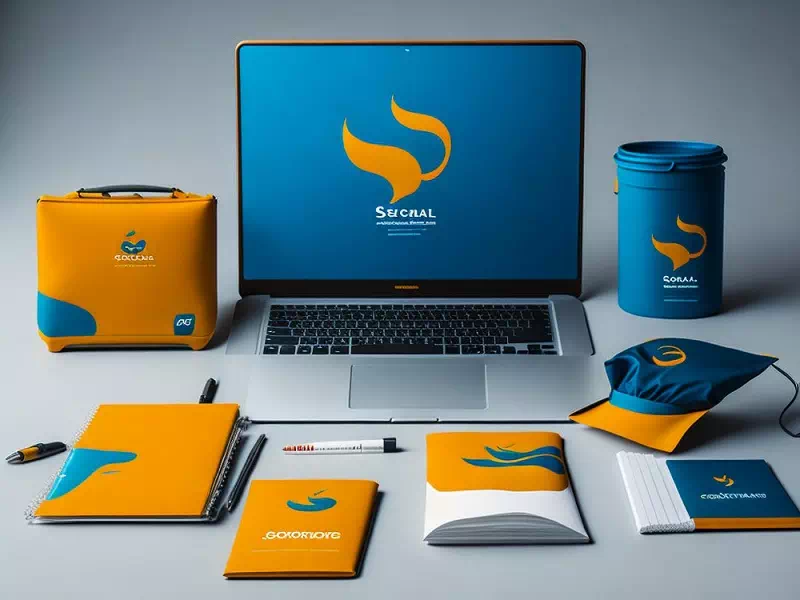
Vector files are essential in logo design and branding because of their infinite scalability without quality loss. They create sharp logos for diverse platforms, maintain consistency across marketing materials and ensure high-resolution prints. With digital versatility, vector logos look polished on websites and social media. It empowers designers to establish a strong brand identity and leave a lasting impact on audiences.
Illustrations and graphics
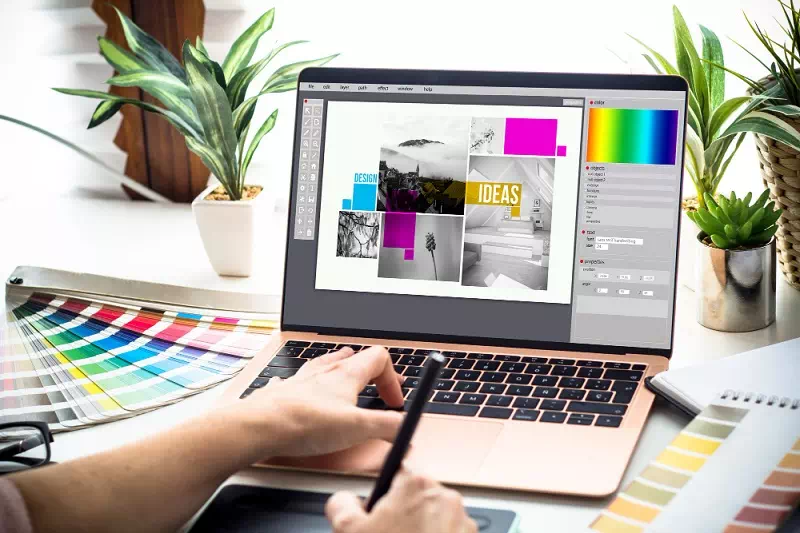
Vector files are widely used in illustrations and graphics for their scalability and ability to maintain sharpness at any size. Illustrators and graphic designers use vector graphics to create detailed artwork for print and digital applications. The flexibility of vector files allows for easy editing. From posters to icons and user interfaces, vector files offer versatility and quality to bring visual concepts to life effectively.
Printing and publishing
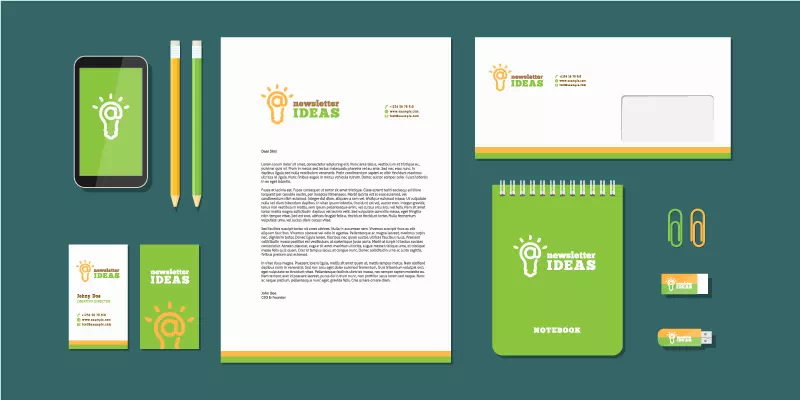
Vector files are crucial in printing and publishing as they ensure high-quality output for various materials like brochures, flyers, posters and book covers. Their resolution independence guarantees sharp prints regardless of size, making them suitable for both small and large-scale prints. Additionally, the editability of vector files allows for easy adjustments, reducing errors and facilitating efficient production processes in the printing and publishing industries.
Web design and user interface

Vector files are widely used in web design and user interface (UI) design to create scalable and responsive graphics. Icons, logos and other UI elements in vector format ensure sharp visuals across different devices and screen sizes. Vector graphics also enable quick modifications and adaptability during the design process. It helps designers to maintain a consistent and visually appealing user experience on websites and digital platforms.
Characteristics of Vector Files
Vector files possess distinctive characteristics that make them indispensable in design. Let’s explore some major characteristics of vector files:
Scalability and resolution-independence
The primary characteristic of vector files is their scalability and resolution-independence. Unlike raster images, vector graphics are created using mathematical equations, allowing them to be scaled to any size without any loss of clarity or sharpness. This feature makes vector files ideal for various applications, from small icons to large banners, ensuring that the artwork remains crisp and clear in any context. Additionally, vector graphics can be outputted at any resolution without affecting their quality, making them versatile for both print and digital media.
Small file size and storage advantages
Vector files offer the advantage of small file sizes, making them efficient for storage and distribution. Unlike raster images that require large amounts of data to represent each pixel, vector graphics store only mathematical equations for the shapes and lines. This makes vector files ideal for web graphics and digital platforms, as they load faster and consume less bandwidth. Additionally, the smaller file sizes are beneficial for managing and archiving projects.
Editability and flexibility
One of the key advantages of vector files is their editability and flexibility. Designers can easily modify and manipulate individual elements within the artwork without compromising quality. The ability to adjust colors, shapes, and sizes enables quick revisions and adaptations during the creative process. This flexibility makes vector files highly versatile, suitable for various design projects, from logos and illustrations to user interfaces and print materials. The editable nature of vector graphics allows designers to fine-tune their creations with precision, ensuring the final output meets the desired vision and requirements.
Lossless quality
Vector files offer the advantage of lossless quality, maintaining sharpness and clarity after edits and resizes. Unlike raster images, vector graphics retain precision and smoothness, ensuring visually appealing and professional artwork. This makes vector files ideal for high-quality projects like logos, illustrations and print materials.
Different Vector File Formats
Different vector file formats cater to specific design needs and software compatibility. Some popular vector file formats are given below:
- SVG (Scalable Vector Graphics):
- SVG is an XML-based vector file format widely used for web graphics. It allows for infinite scalability without loss of quality. It is ideal for logos, icons and illustrations displayed on websites. SVG supports interactivity and animations, enhancing dynamic web design and user experiences.
You may also read– what is an svg file
- AI (Adobe Illustrator):
- AI is the proprietary vector file format used by Adobe Illustrator, a popular graphic design software. AI files contain detailed information about the artwork, including shapes, paths and text. They offer full editing capabilities, making them essential for creating and modifying complex vector graphics.
- EPS (Encapsulated PostScript):
- EPS is a versatile vector file format commonly used in the print industry. It supports both vector and raster graphics, making it suitable for various printing processes. EPS files can include previews, allowing users to view the artwork without specialized software. They are widely compatible across different design applications and platforms.
You may also read– what is an eps file
- PDF (Portable Document Format):
- PDF (Portable Document Format) is a widely-used file format that can store both vector and raster graphics. It is known for its versatility and ability to preserve the layout, fonts and graphics of a document across different platforms and devices. PDF files are commonly used for sharing documents, presentations and graphics, making them suitable for both print and digital distribution. They are widely compatible and can be opened and viewed using various free PDF viewers.
Other vector file types you may receive
Beyond SVG, AI, EPS and PDF, clients and suppliers often send files from CAD, sign-making and 3D programs. This table shows what each one is for and what to watch for.
| Format | Made by / used in | Good for | Watch for |
|---|---|---|---|
| CDR | CorelDRAW | Sign, vinyl and print shop artwork | Opens fully only in CorelDRAW; ask for PDF, EPS or SVG if you use other software |
| DXF | Autodesk (exchange format) | Sharing 2D drawings between CAD programs, CNC, laser and plasma cutting | Text and curves may arrive as many small segments; check scale and units |
| DWG | AutoCAD | Native CAD drawings for architects and engineers | Newer DWG versions may not open in older software |
| DWF | Autodesk | Sharing and marking up CAD drawings for review | A viewing format, not meant for editing |
| EMF / WMF | Microsoft Windows | Vector graphics inside Office documents | Limited support outside Windows programs |
| PS | PostScript language | Sending pages straight to printers and RIPs | Usually needs conversion to PDF to view |
| STL | 3D printing | Surface geometry of 3D objects | No color, texture or units stored |
Two practical tips. First, the extension alone does not prove a file is vector: an EPS, PDF or SVG can simply wrap a JPG. Our guide on how to tell if a file is really vector shows five quick checks. Second, when a printer or cutter asks for a specific format, export it from the master file rather than converting one export into another. If you need a format you cannot produce, our vector file format service can deliver AI, EPS, SVG, PDF, DXF and CDR from one clean redraw.
Vectors Vs Rasters
Here’s a table comparing vectors and rasters:
| Vectors | Rasters | |
| Definition | Graphics created using mathematical equations (points, lines, curves) | Graphics composed of pixels arranged in a grid |
| Scalability | Infinitely scalable without losing quality | Fixed resolution, may lose quality when resized |
| Resolution | Resolution-independent, maintains clarity at any size | Fixed resolution, pixelated at lower resolutions |
| File Size | Generally smaller due to mathematical representation | Larger file size due to pixel data |
| Editability | Fully editable, individual elements can be modified | Limited editing capabilities, may result in loss of quality |
| Transparency | Supports transparency and layering effects | Transparency achieved through alpha channels |
| Applications | Logos, illustrations, icons, vector art | Photos, digital images, detailed graphics |
| Examples | SVG, AI, EPS | JPEG, PNG, GIF |
Frequently asked questions
What is the most common vector file?
SVG for websites and apps; AI, EPS and PDF for print. Most printers accept a vector PDF or EPS with fonts converted to outlines.
Is a PDF a vector file?
It can be. A PDF made from Illustrator, InDesign or CorelDRAW usually keeps vector paths, but a scanned page or an exported photo saved as PDF is raster.
Can I open a vector file without Illustrator?
Yes. Inkscape (free) opens SVG, PDF and many EPS and AI files, browsers display SVG, and CorelDRAW and Affinity Designer open most vector formats.
How do I turn a JPG logo into a vector file?
Trace it in Illustrator or Inkscape if it is clean and simple, or have it redrawn by hand. We redraw logos and artwork from $7 per image, with an exact quote before payment. See image to vector conversion.
Conclusion
Vector files are essential in design due to their scalability, resolution independence and editability. They ensure high-quality outputs across various mediums and enable easy modifications during the creative process. Vector graphics empower designers to create versatile and visually impactful artwork for logos, illustrations and more.
In the dynamic world of design, embracing vector graphics is essential for creating high-quality and versatile artwork. Formats like SVG, AI and EPS empower designers to achieve stunning results and stay at the forefront of their creative endeavors. Embrace vector graphics and unleash your design prowess to leave a lasting impact in the visual landscape.